
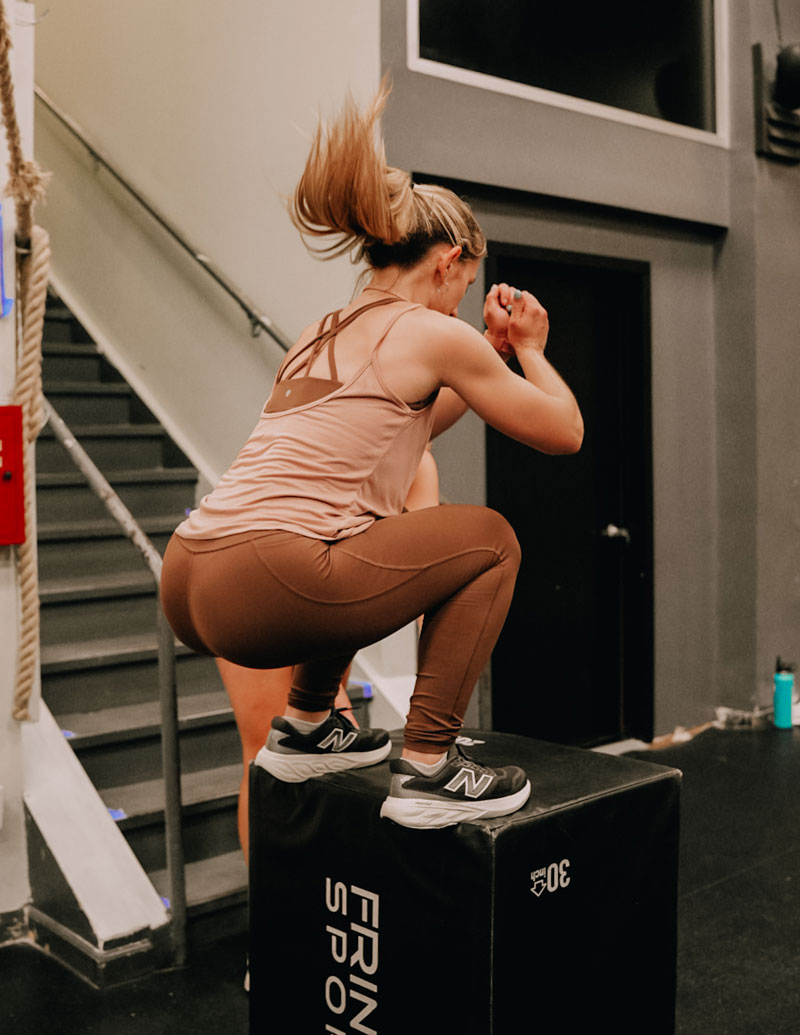


Solace New York
Made from the photos on their website.

From the makers of  YouzignDezygn
Enter their website URL. Reelocal creates the video, looks for the owner’s email and writes your pitch. Copy, paste and send your sample, then offer to make more.
One payment · 500 credits · 30-day guarantee
The first conversation
You know the restaurant down the road. You have seen the food, the photos on their website, and the same three posts on their Facebook page.
You can picture a short promo for their restaurant: the food, a few shots of the place, their name at the end. But the owner hasn’t seen that video. They have only seen your message:
“Hi, I make promotional videos. Would you be interested?”
Before they can answer, they have questions. What would the video look like? Would you need to come and film? How much time would they have to spend explaining the business?
Your message asks them to consider buying a video without showing them what they would get.
A portfolio helps them judge your work. A video of their own restaurant answers a different question: what could you make for them?
That is useful even if you have never had a video client. You can demonstrate what you make with a sample, before anyone hires you.

Proof before pitch
Same restaurant. Same owner. This time, your first message includes a short video of their food and their place, with their business details at the end.
They can watch the sample in a few seconds and tell you whether they would use it. You have already answered the question of what their video could look like.
We call this Proof Before Pitch: show a business what you can make by making a sample for them.
If they like the sample, you can discuss the videos they need next. A promo for the lunch menu. A new treatment at the salon. A finished project the roofer wants to show off.
The sample makes your offer easier to understand. The owner can point to a scene, ask for another dish, or tell you about a promotion coming up. You can quote for that work with a shared idea of what the finished video will look like.
The cost of making a sample
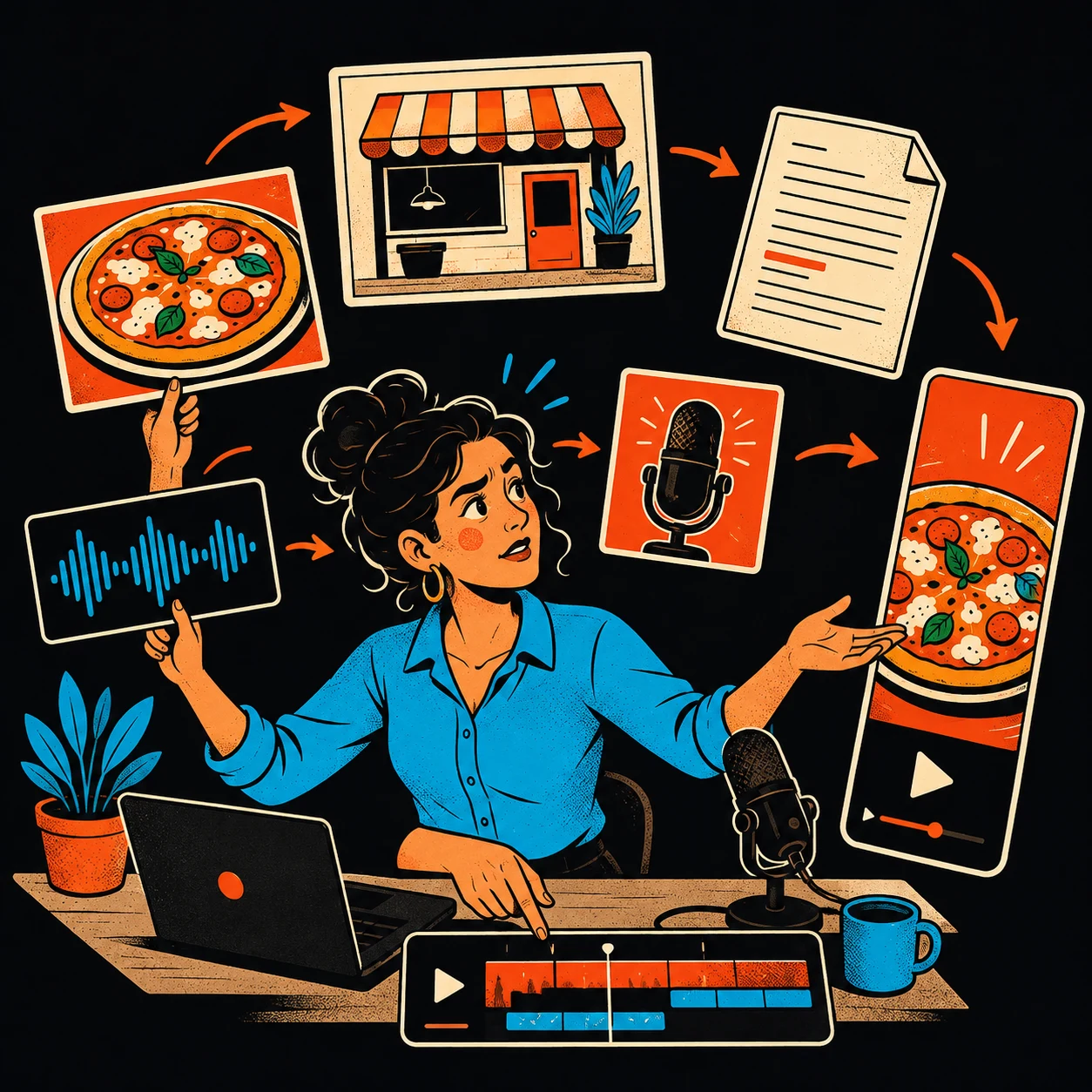
Making a custom sample by hand means finding the photos, deciding what to say, arranging the shots, recording a voiceover, adding captions, choosing music, and exporting the file.
All before you know whether the owner is interested.
Repeat that for five businesses and you have taken on five production jobs before winning a paying client.
Even with a template, someone has to gather the photos, write the script and assemble the video. Paying an editor to make each sample adds a cost before you know whether the owner wants to buy.
Reelocal does that production inside one tool. It takes the photos and business details from a website, drafts the script, then makes the video with voice, music and captions. You can make a sample for each business without filming on location or building every edit by hand.
From website to video
This sample uses photos from Solace New York’s website. Compare the original photos with the finished video, then play it with the sound on.
One more rep. You have this.
Find your footing. Keep going.
A little encouragement goes a long way.
Train together at Solace New York.
You can edit the photos and script before making your own video.
12-second sample · HD
Product demonstration using photos from Solace New York’s website. The business has not endorsed Reelocal.
Made with Reelocal
A gym, a bakery, a roofer, a salon. Watch a few with the sound on and judge the output for yourself.
Solace New York
Made from the photos on their website.
Spoke & Weal
Made from the photos on their website.
Tartine
Made from the photos on their website.
Baker Roofing
Made from the photos on their website.
Franklin Barbecue
Made from the photos on their website.
Petri Plumbing
Made from the photos on their website.
Sunflo Detailing
Made from the photos on their website.
Dogtopia
Made from the photos on their website.
The Smilist
Made from the photos on their website.
DMT BarberShop & BeautySpot
Made from the photos on their website.
Floret Flowers
Made from the photos on their website.
Prufrock Coffee
Made from the photos on their website.
Product demonstrations made from real business photos. These businesses are not endorsing Reelocal.
One payment. Lifetime access. 30-day money-back guarantee.
No filming or timeline editing
The photos, script, voiceover, music and captions come together in Reelocal. You can change the draft before making the finished file.
Reelocal gathers the photos and business details from the site, then writes a short script using that material.
Want to feature the lunch menu rather than the dining room? Swap the photos and edit the script. Draft changes are free.
Reelocal adds movement, voiceover, music, captions and the business details. Download the finished MP4 from your account.
Reelocal can draft the introduction to go with your sample. Send it through your own email or messages, where you can handle the replies.
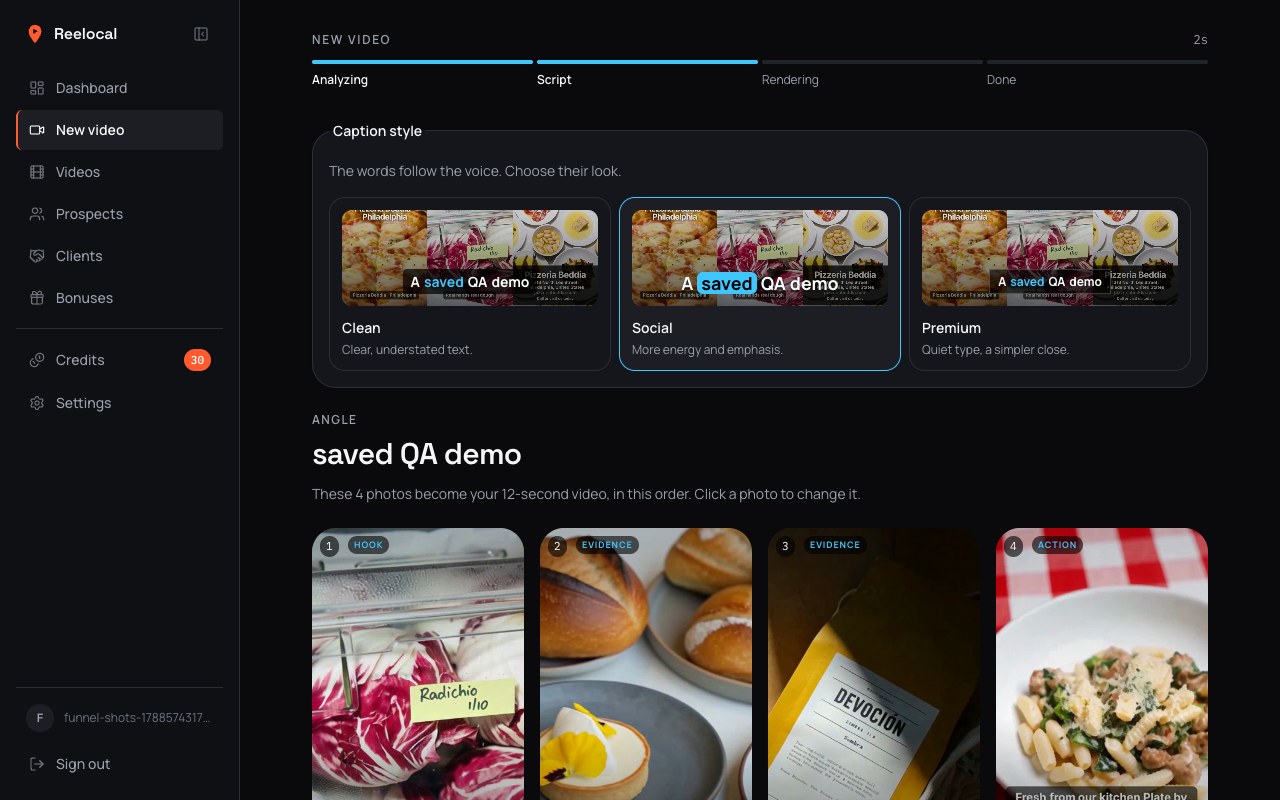
A restaurant might want a lunch promo today and a takeaway offer next week. Use different photos and a different script to make each video about that offer. You see the draft before paying for a render, so you can correct a detail or change the emphasis first.
Each finished video is an MP4 you can download and deliver. Changes after that require another render and use more credits.
Contact details included
A sample is only useful for outreach if you can get it to someone at the business. When you enter the website, Reelocal searches for contact emails and prioritises personal addresses listed for an owner, founder or manager.
Reelocal checks the top contacts and shows their verification status beside your video. Copy the suggested address or open an email with your video link. Owner emails aren’t always available; you may get another business contact or no result.
Commercial use included
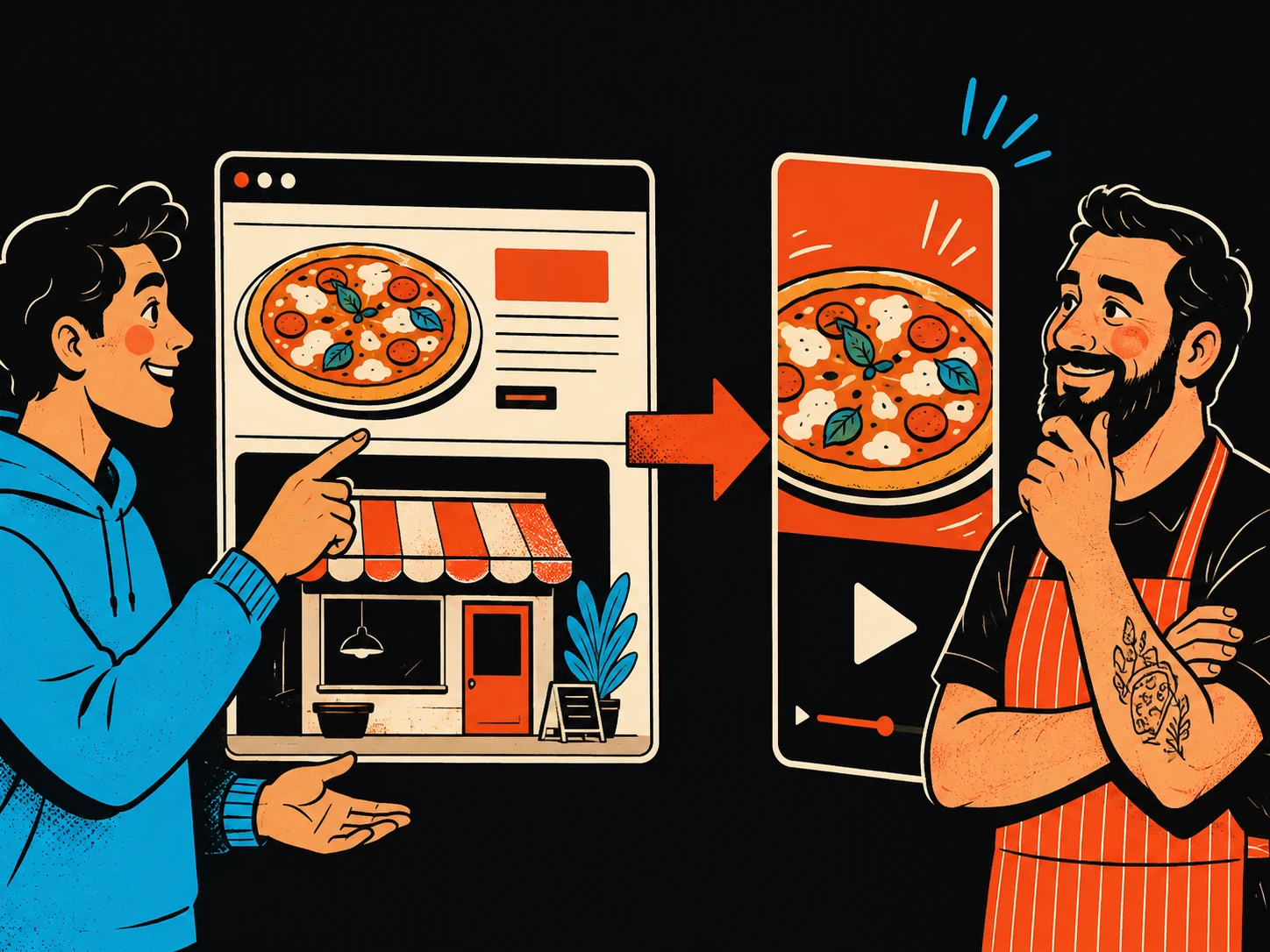
Your first prospective client will want to see examples. With Reelocal, you can make those examples using business websites, without needing footage from a previous job.
Choose a niche you know and build a small collection of sample videos. When you contact a restaurant, you can show restaurant promos. The included portfolio guide walks you through making ten samples in two days and presenting them as examples of your work.
If you build websites or manage social media, you already work with businesses that need promotional content. You know their offers, have access to their photos and can speak to the person who buys the work.
Make a sample for an existing client and offer video alongside the work you already do. A salon’s new treatment or a restaurant’s seasonal menu gives you a concrete reason to suggest a promo.
Set the fee, delivery date and revisions for the service you agree with each client. The pricing playbook includes example packages and proposal guidance.
Example package
A video for one offer: a restaurant’s lunch menu, a salon’s new treatment or a roofer’s completed project.
Example package: one 12-second HD video, one agreed script and one revision.
Example package
Give a restaurant separate promos for lunch, takeaway and private dining.
Example package: three 12-second HD videos, each with its own photos, script and closing message.
Example package
Make a fresh set of promos for the offers or services the business wants to feature that month.
Example package: four 12-second HD videos, with the briefs and delivery dates agreed in advance.
Commercial use is included. Exported videos have no Reelocal branding, and you can deliver the MP4 files to your clients.
When you set a price, account for your time, video credits and any revisions you agree to.
If you own a local business, you can also make these promos for yourself. Use your own photos to show the dish, treatment or service you want to advertise.
Optional starter run · included
Choose your area and the kind of business you want to work with. Reelocal can find a suitable business and prepare a video and an introduction for you to review.
You can switch on email notifications and come back to a prepared video and message, without starting each day by searching for another business. You review the sample and send the email yourself.
The starter uses the credits included with your purchase. You can pause it anytime and make videos manually whenever you want.
MCP connection included
Connect Reelocal to your AI assistant and ask it to make a video from a business website. Review the script, ask for changes and get the finished video link in the same conversation.



Ask for a restaurant promo, then change the script to focus on takeaway. Your assistant can send those changes to Reelocal, start the render and bring back the video when it is ready.
“Use Reelocal to make a 12-second sample from this business website. Show me the script before you render it.”
Create an API key in Settings and use it to connect your AI app. The videos stay in your Reelocal account, and renders use your existing video credits. The MCP connection is included with lifetime access.
For desktop MCP workflows. Client setup is required; subscriptions to the AI apps are separate. Claude Desktop may need a local MCP bridge.
Use Reelocal from your MCP client.
Create a key for your AI assistant.
<YOUR_API_KEY>[mcp_servers.reelocal]
url = "https://reelocal.vercel.app/api/mcp"
http_headers = { Authorization = "Bearer <YOUR_API_KEY>" }A note from Bertrand
Bertrand
Maker of Youzign, Dezygn & Reelocal
I’m Bertrand, a software maker from a small village in Belgium. You may know me from Youzign or Dezygn. I also sell AI visuals to clients, and making a sample before asking for the job has been part of how I win that work.
A sample lets a client judge the work directly. But making one takes time, and I wanted to make personalised video samples practical for local businesses.
That is why I built Reelocal around the photos already on a business’s website. The owner can recognise their food, their shop or their work in the finished video. You can show them a promo for their own business without arranging a shoot first.
270,000+ designers have joined Youzign since 2014
We’ve supported people using our software for years. Here is what they say about the service they received.
Feedback about our team, from customers of Youzign.

“The customer service I have received has been excellent.”
“Plus customer service & training is top-notch!”

“Been with the guys from the very start and always had superb service.”

“Excellent product with continued support and development!”
Five guides included with lifetime access
Your purchase includes five downloadable guides covering the sales work around the video: choosing businesses, building a portfolio, quoting and following up.
01 · Finding & approaching clients
Choose a niche, identify businesses worth approaching, and send a first message with a sample attached. You get the outreach sequence, first-touch email, follow-ups and ways to handle replies.
The guide gets specific about the first conversation: name their business in the subject, include the video, and finish with one small question. You can adapt the scripts to the business instead of staring at a blank email.
Included with your purchase
02 · Build your first portfolio
A two-day plan for making ten sample videos and arranging them into a portfolio you can share. Useful when you have the software but no client work to point to yet.
Follow the schedule to choose businesses, create the videos and assemble a shareable portfolio. Present the videos as samples, so a potential client can see what you make without mistaking them for paid client projects.
Included with your purchase
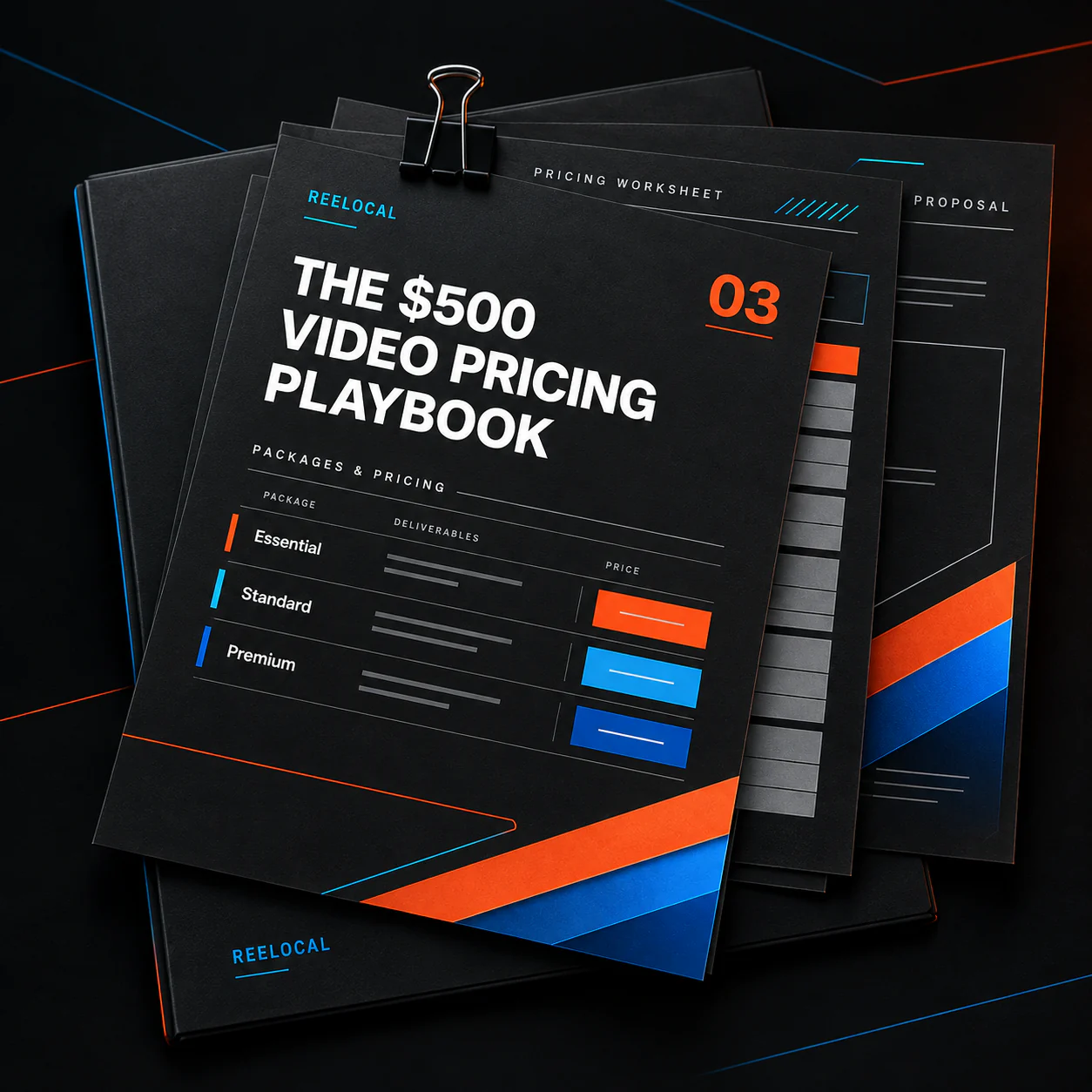
03 · Answering “how much?”
Work through single videos, content packs and monthly arrangements. The playbook covers scope, revisions, proposals and invoices, with example packages you can adjust for your market.
Use the package examples to decide what each price includes, how many revisions you allow and when you deliver. Send a quote the client can understand before you begin the paid work.
Included with your purchase
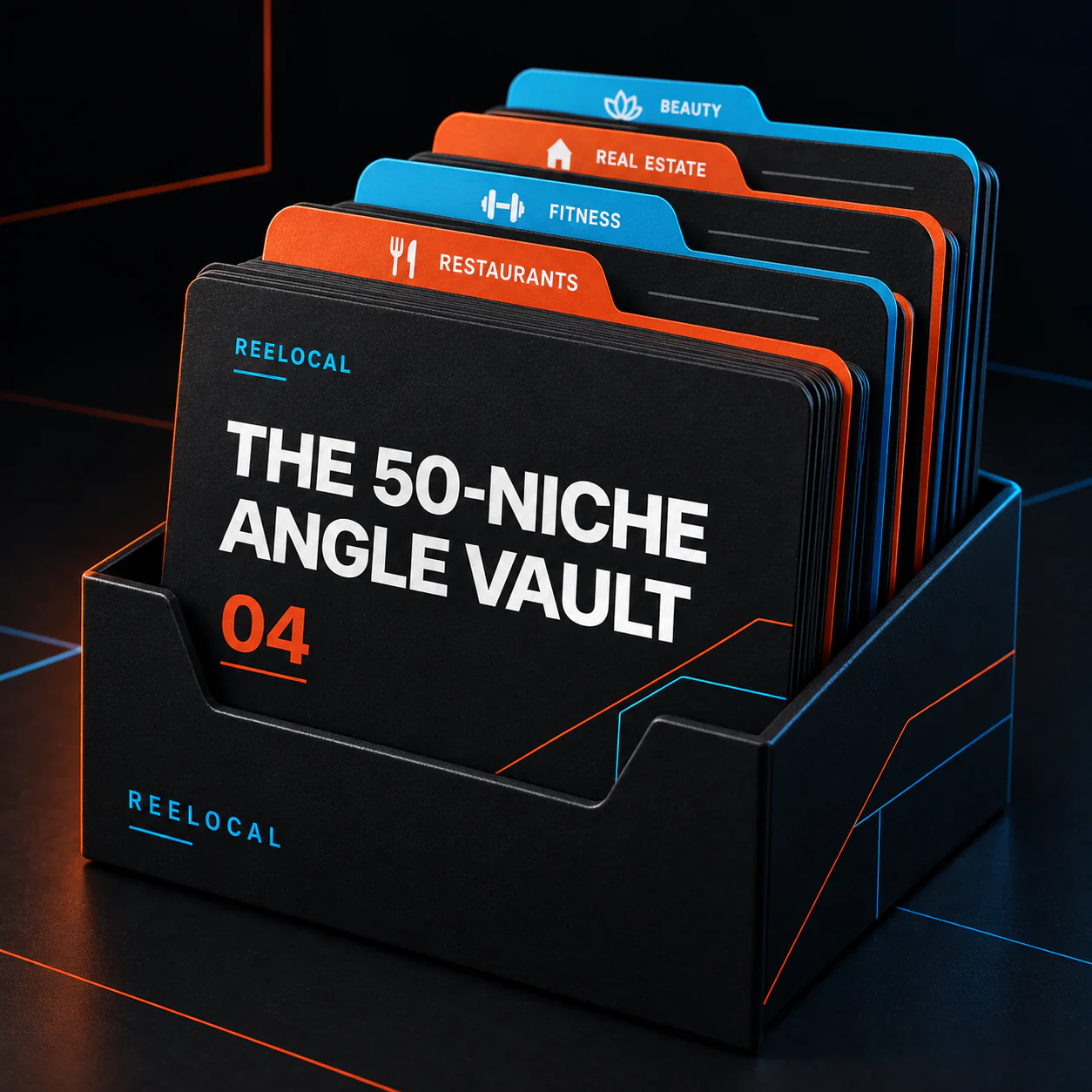
04 · Knowing what to make
Fifty video angles organised by business type, each with an opening hook, a suggested visual and a call to action. Find a relevant idea when you know which business to approach but haven’t decided what its video should promote.
Browse by niche to find ideas suited to the business. Use the suggested structure with its own photos, services and offer, rather than writing each script from a blank page.
Included with your purchase
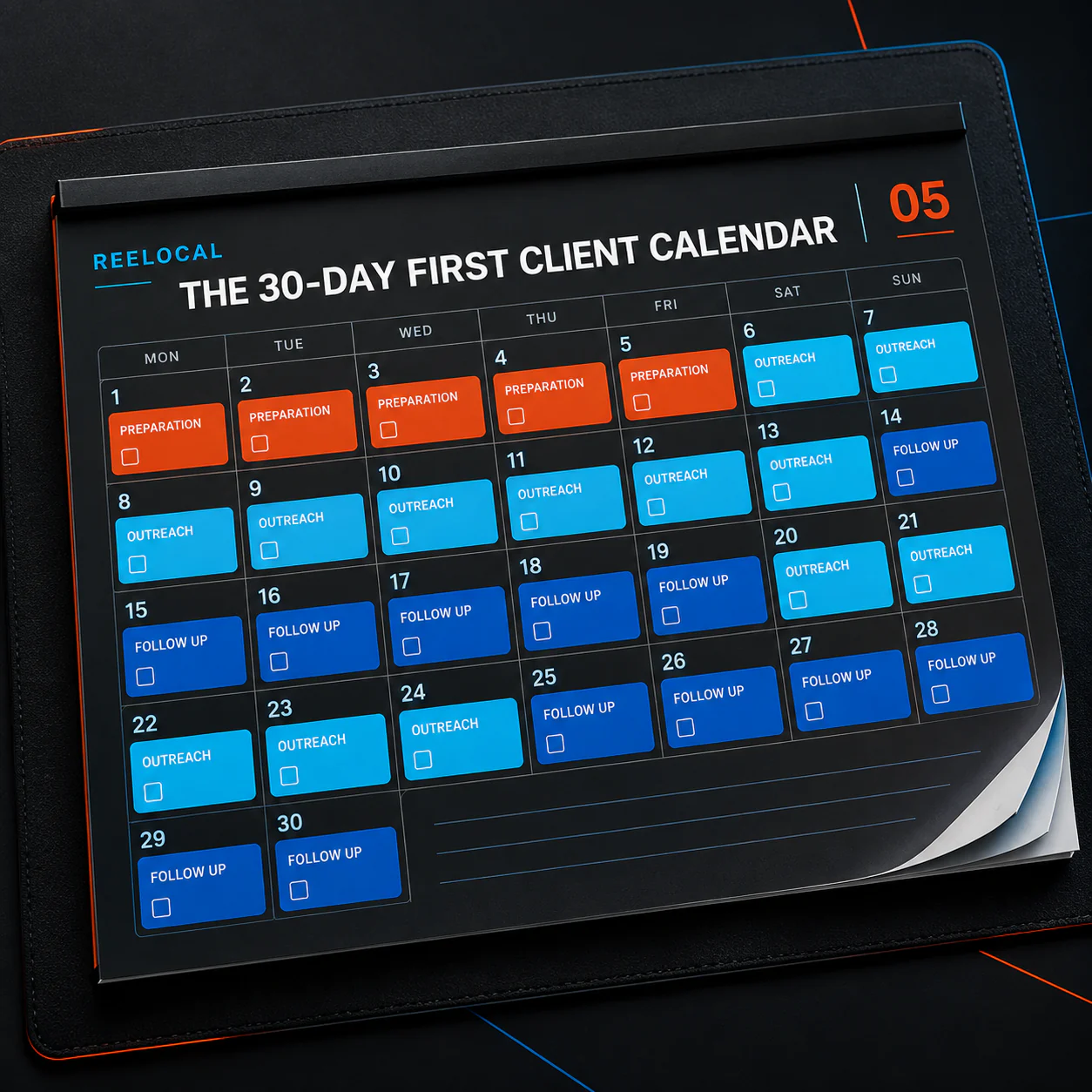
05 · Plan your first month of outreach
A day-by-day plan for working through your first outreach cycle: prepare samples, send introductions, follow up and review what happened.
The calendar separates preparation, sending and follow-up into daily tasks. It gives you a schedule for contacting businesses and returning to earlier conversations, so a first email isn’t also your last attempt.
Included with your purchase
All five guides are included in the $67 purchase. Download them from your account and use the scripts, package examples and schedules as you build your video service.
Each sample lets you show a different business what you can make for them. Reelocal handles the script, voiceover, music, captions and assembly, so you can spend your time choosing businesses, reviewing the videos and talking to the owners.
You get lifetime access to Reelocal and 500 video credits that do not expire. Use the balance for sample videos, HD client videos, or a mix of both.
The five guides cover outreach, portfolio building, pricing, video ideas and follow-up. Ten prospect credits are also included for the optional daily starter run.
The software is $67 one time. There is no required subscription to keep your access. When you use your included credits, you can buy more if you want to continue rendering.
| Video | Credits each | Up to |
|---|---|---|
| 12s sample · 480p | 10 | 50 videos |
| 12s HD · 768p | 20 | 25 videos |
| 15s HD · 768p | 25 | 20 videos |
Those are alternatives, not separate allowances. Every new render, including a revision, uses credits. Reviewing a draft and downloading an existing file again do not.
30-day money-back guarantee
Make five videos and send them to five businesses to try the approach for yourself. If Reelocal isn’t for you, email support@youzign.com within 30 days of purchase and we will refund every cent.
You can also ask for a refund before making or sending any videos. The guarantee has no usage requirement. One email is enough.
The lifetime launch offer
Get lifetime access, 500 video credits and five guides to help you find clients, price the work and follow up.
500 credits: up to 50 samples, 25 HD 12-second videos or 20 HD 15-second videos. One shared balance. Allowance details · Refill prices
Lifetime offer closes in
Keep your access for life. Buy more credits when you need them. Every new video render uses credits.
Checkout could not be opened. Please try again.
Your lifetime purchase works on its own. Prospect Finder packs, Client Studio and extra video credits are optional upgrades.
Before you get started
Yes. You can start with a business website and review the photos and script before rendering. There is no timeline editor to learn. The portfolio guide helps you build samples before you have client work to show.
You can sell the videos you make: single promos, packages or an ongoing service you agree with a client. Commercial use is included and exports have no Reelocal branding. Make sure you have permission to use the business photos and any other materials in client work.
Yes. It buys lifetime access, 500 non-expiring video credits, ten prospect credits and the five guides. You can purchase more credits when needed. Optional packs and a monthly credit plan exist, but keeping your lifetime access does not require a subscription.
A Proof sample is a 12-second video at 480p for 10 credits. A 12-second HD video at 768p uses 20 credits; a 15-second HD video uses 25. Your 500 credits make up to 50 Proof samples, 25 HD 12-second videos or 20 HD 15-second videos. These are alternatives from one shared balance, and you can mix them. Each new render, including a revision, uses credits. The optional ten-day starter uses up to 100 of this same balance.
You can change the photos and script freely before rendering. Afterward, a change requires a new render and spends credits again. For example, you make a 12-second HD restaurant promo for 20 credits. The owner then asks to feature the lunch menu instead. Edit the photos and script for free, then render the new version for another 20 credits: 40 credits total. If you change the draft before the first render, you only spend 20. Downloading either finished file again is free.
In our recorded batch of 18 completed 12-second Proof videos, rendering and assembly averaged 14.6 seconds after the script was ready. Website analysis, script preparation and your review happen first. Allow additional time for those steps; total time varies, and HD can take longer.
A new script needs four usable photos and the business details for the end card. If there is not enough material, Reelocal shows what is missing so you can add it. Check the selected photos, script and finished video before sending; AI output can make mistakes.
You get a downloadable MP4 with voiceover, music, burned-in captions and business details. HD options include vertical, square and landscape formats. Choose the format for the social post, website or other placement you and the business want to use.
The optional starter run finds suitable businesses and prepares up to one daily sample and introduction, for up to ten businesses. It uses your ten prospect credits and up to 100 of your video credits. You review and send the message yourself. Reelocal does not send cold outreach or handle replies.
You can pause new preparation anytime; a video already in progress can still finish. Two samples waiting for action pause new preparation automatically. The starter run stops after ten. You can continue making videos manually, but buying more prospect credits does not restart the starter run.
No. Paste websites directly and download your videos with the lifetime purchase. Additional prospect searches and client workspaces are optional upgrades. Your included daily starter does not require buying Client Studio.
You can buy more credits from your account when you need them. These one-time packs do not expire:
| Video credits | One-time price |
|---|---|
| 200 credits | $39 |
| 500 credits | $67 |
| 1,000 credits | $119 |
An optional plan gives you 500 credits for $39 per month. Each monthly batch expires 90 days after it is added. If you cancel, credits already added remain available until their expiry date.
A 12-second sample uses 10 credits, a 12-second HD video uses 20, and a 15-second HD video uses 25. Your lifetime access stays active whether or not you buy more credits.
There is no free trial during this launch. Watch the examples on this page to judge the output. Your purchase is covered by the 30-day money-back guarantee.
Email support@youzign.com within 30 days of your purchase and ask for a refund. Try making and sending five samples if you want to test the approach in the video. You are also covered if you decide sooner that the software is not for you.